Blue Now Understands What You Mean
A small language model now runs inside Blue. Name a field and it picks the type, name a workspace and it picks the icon, import a spreadsheet in Spanish and it maps the columns.
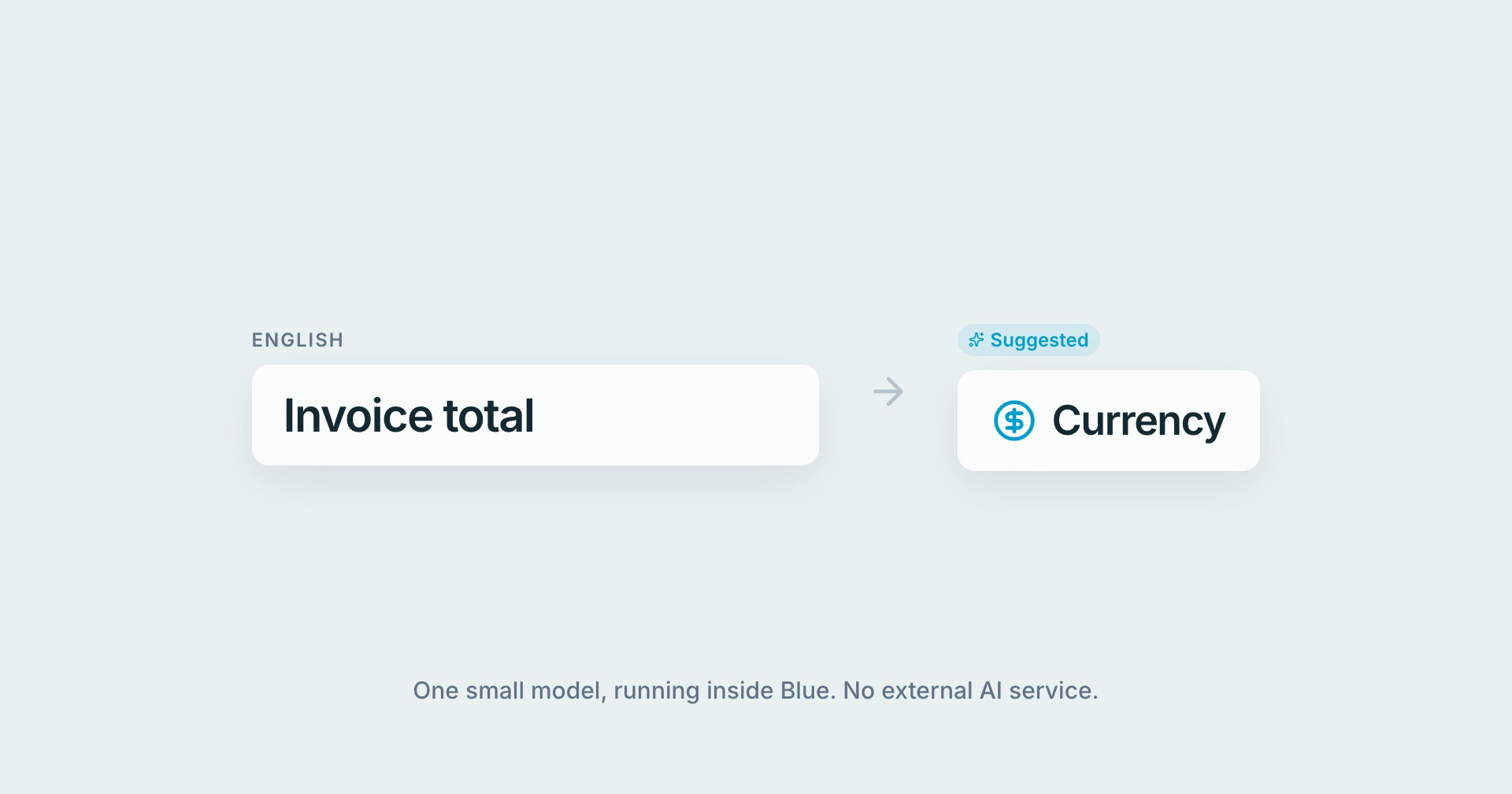
Setting up Blue is mostly naming things. A field. A workspace. The columns of a spreadsheet you’re importing. Until now, Blue read those names as strings of letters. Now it reads them for what they mean, and takes the obvious next step for you.
Fields pick their own type
Type “Invoice total” into a new field and the type switches to Currency. “Launch date” becomes Date. “Customer satisfaction” becomes Rating. A small Suggested chip shows that Blue made the call, and the moment you pick a type yourself, it stops suggesting.
It only speaks up when it’s confident. In my tests, a wrong type never scored above 0.34. Blue needs 0.45 to suggest anything, so when it isn’t sure, it stays quiet.
Workspaces pick their own icon
The same idea, shipped today for new workspaces. “Marketing” gets a megaphone. “Finance” gets a wallet. “Engineering” gets a cog. If nothing is a clear match, you keep the briefcase, and choosing an icon yourself always wins.
Imports map themselves, in any language
Importing a spreadsheet used to mean matching every column by hand whenever the headings didn’t exactly match your field names. Blue still matches exact and near-exact names first. Then, for the columns left over, it matches by meaning, including across languages. “Presupuesto” lands on your Budget field. “Fecha límite” lands on Due Date. “Responsable” becomes the assignee.
I set the bar high on purpose. In my test set, every column matched by meaning at that bar was matched correctly. When Blue isn’t sure, it leaves the column for you rather than guessing, and it never takes a field an exact match already claimed.
The same model also powers search in the emoji and icon pickers. Search for “celebrate” and a Related row shows up beneath the exact matches.
It speaks your language
The model is multilingual, so an English field name, a Spanish budget column and a German invoice amount all end up in the same place.
On my test sets, it picks the right field type first time 94% of the time in English and 83% in Spanish, German, French and Portuguese.
How it works
No chatbot, and no call to an outside AI service. It’s a small, open-source multilingual model (Model2Vec’s potion-multilingual-128M, MIT-licensed) running on Blue’s own servers. It turns a short piece of text into a list of numbers that describe what it means, and similar meanings land close together. Answering a query takes about 0.05 milliseconds.
That also means your field names and spreadsheet headings never leave Blue for this. And if the model is ever unavailable, nothing breaks: Blue simply falls back to how it matched names before.
It’s the first time a model like this runs inside Blue, and it won’t be the last.