Workspace Prompts
Add workspace instructions that append to or replace the organization's AI Agent prompt.
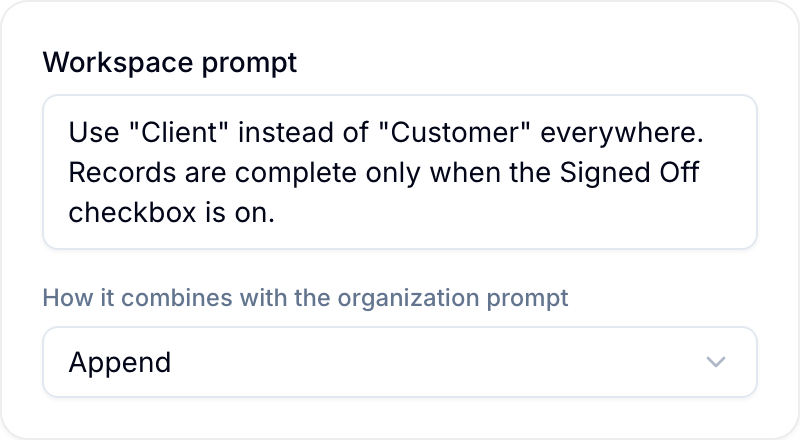
A workspace prompt gives the AI Agent instructions for one workspace. Workspace owners and administrators can configure it.
The organization prompt is set under Settings > AI > General. Use a workspace prompt for local terms, record structure, or completion rules.
Set a Workspace Prompt
- Open Workspace settings > AI.
- Enter instructions under Workspace prompt.
- Under How it combines with the organization prompt, select Append or Override.
- Select Save.
Choose a Prompt Mode
- Append: Blue includes both the organization prompt and workspace prompt.
- Override: Blue excludes the organization prompt and uses the workspace prompt.
Blue applies the workspace prompt for the workspace that is active when you send the message. An @ mention can add record or workspace context, but it does not change the active workspace prompt.
See Using the Assistant for workspace context and mentions.