Calendar Sync
Sync your Blue calendar to external calendars.
Calendar sync publishes dated Blue records to an external calendar. You can subscribe from:
- Google Calendar
- Outlook
- iCal (Apple)
Choose a Blue calendar
You can sync a calendar from three places in Blue:
- Organization calendar: dated records in every workspace that you belong to.
- Calendar view in a workspace: dated records in the workspace of that view.
- Records assigned to you: dated records assigned to you across your workspaces.
In the organization calendar and the Calendar view, turn on My records only to include only records assigned to you.

Copy the calendar URL
- Open the Blue calendar that you want to sync.
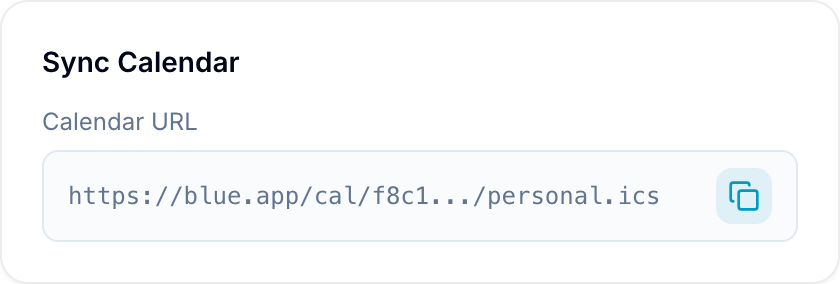
- Select Sync calendar in the upper-right corner. Blue creates the Calendar subscription URL.
- Select Copy URL.

Subscribe from an external calendar
- Add a calendar subscription in your personal or work calendar.
- Choose From URL.
- Paste the Blue calendar URL.
- Turn on the new Blue calendar in the external calendar.
Use the instructions for your calendar platform:
The external calendar shows the Blue calendar as an available calendar. Changes appear there when you add, edit, or remove calendar events in Blue.