Languages
Change Blue's interface language and locale formatting to one of more than 30 supported languages.
Blue supports English and 30 additional interface languages. Blue saves your language choice in the current browser or app.
Change your language
- Open Account from the avatar menu.
- Find Language.
- Select a language. Blue updates the interface and locale-specific date names without a reload.
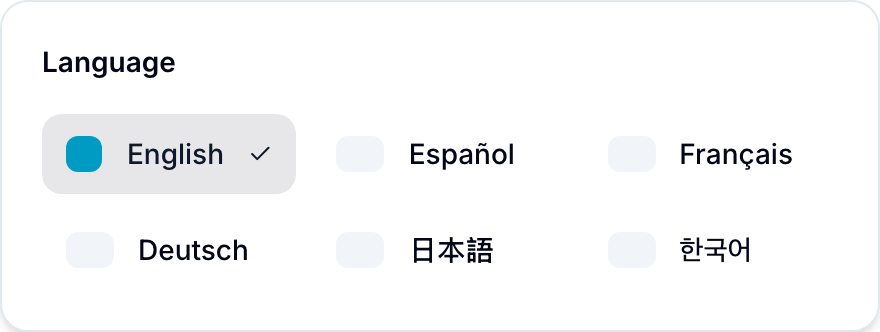
View supported languages
In addition to English, Blue supports:
Spanish, French, German, Italian, Portuguese, Dutch, Swedish, Norwegian Bokmål, Polish, Czech, Romanian, Latvian, Russian, Georgian, Turkish, Vietnamese, Thai, Indonesian, Filipino, Khmer, Burmese, Chinese (Simplified), Chinese (Traditional), Japanese, Korean, Hindi, Bengali, Tamil, Swahili, Greek.
Check the Language picker for the current list.
What gets translated
- Menus, buttons, dialogs, and form labels
- Empty states, onboarding, and help text
- Localized month and weekday names
- Error messages
Blue does not translate content that your team enters. This content remains in its original language:
- Workspace names, database names, record names, and field names
- Comments, descriptions, and doc page bodies
- File names
Mobile apps
The web app, iOS app, and Android app store their language choices separately. Select the language on each browser or app that you use.