Profile Settings
Update your personal details, regional settings, theme color, and board card size.
Select your profile picture or initials at the bottom of the sidebar. Then select Account to open your profile settings.
You can change:
- Name, email, and job title
- Profile picture
- Phone number
- Birthday
- Color theme and compact cards
- Language, timezone, and date format
- Calendar first day of the week
Personal Details
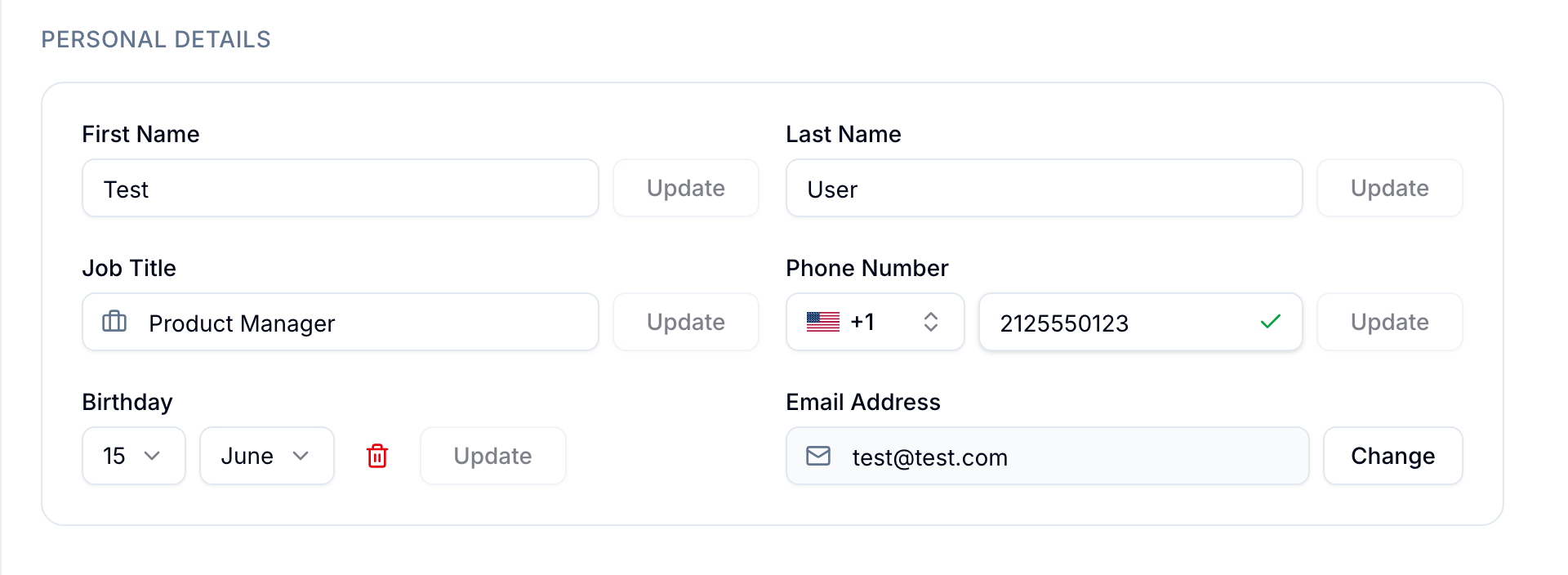
Name and Email
Update your first name, last name, or email address. Blue shows your name throughout the product and uses your email for sign-in and notifications.
Job Title
Enter your job title to show it on your profile card.
Phone Number
Enter a phone number with its international country code. Blue validates the number format before it saves the change.
Profile Picture
Upload an image and crop it to set your profile picture.
Birthday
Select your birth day and month.
Regional Settings
Language
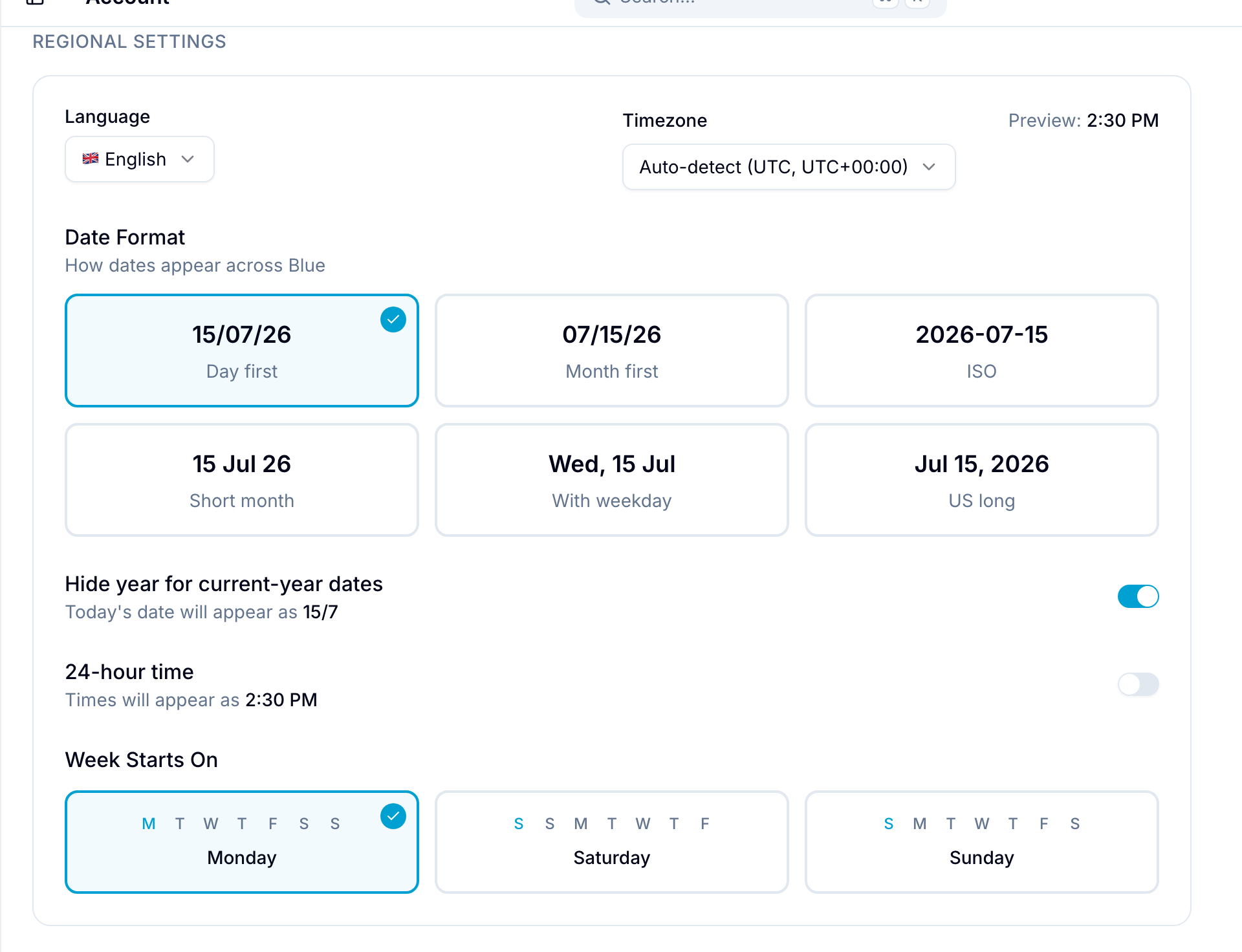
Select the language that Blue uses for its interface.
Timezone
Select a timezone, or use auto-detect to apply your browser’s timezone. A live preview shows the current time in the selected timezone.
Blue uses this timezone for due dates and schedules.
Date Format
Select how Blue displays dates. The available formats are:
- Day first: DD/MM/YY
- Month first: MM/DD/YY
- ISO: YYYY-MM-DD
- Short month: D MMM YY
- Weekday: ddd, D MMM
- US long: MMM D, YYYY
Week Starts On
Select Monday, Saturday, or Sunday as the first day of the week. This setting applies to all calendar views in Blue.
Organization defaults
An organization owner can set a default date format, week start, year display, and time format for the whole organization. You inherit those defaults until you pick your own value.
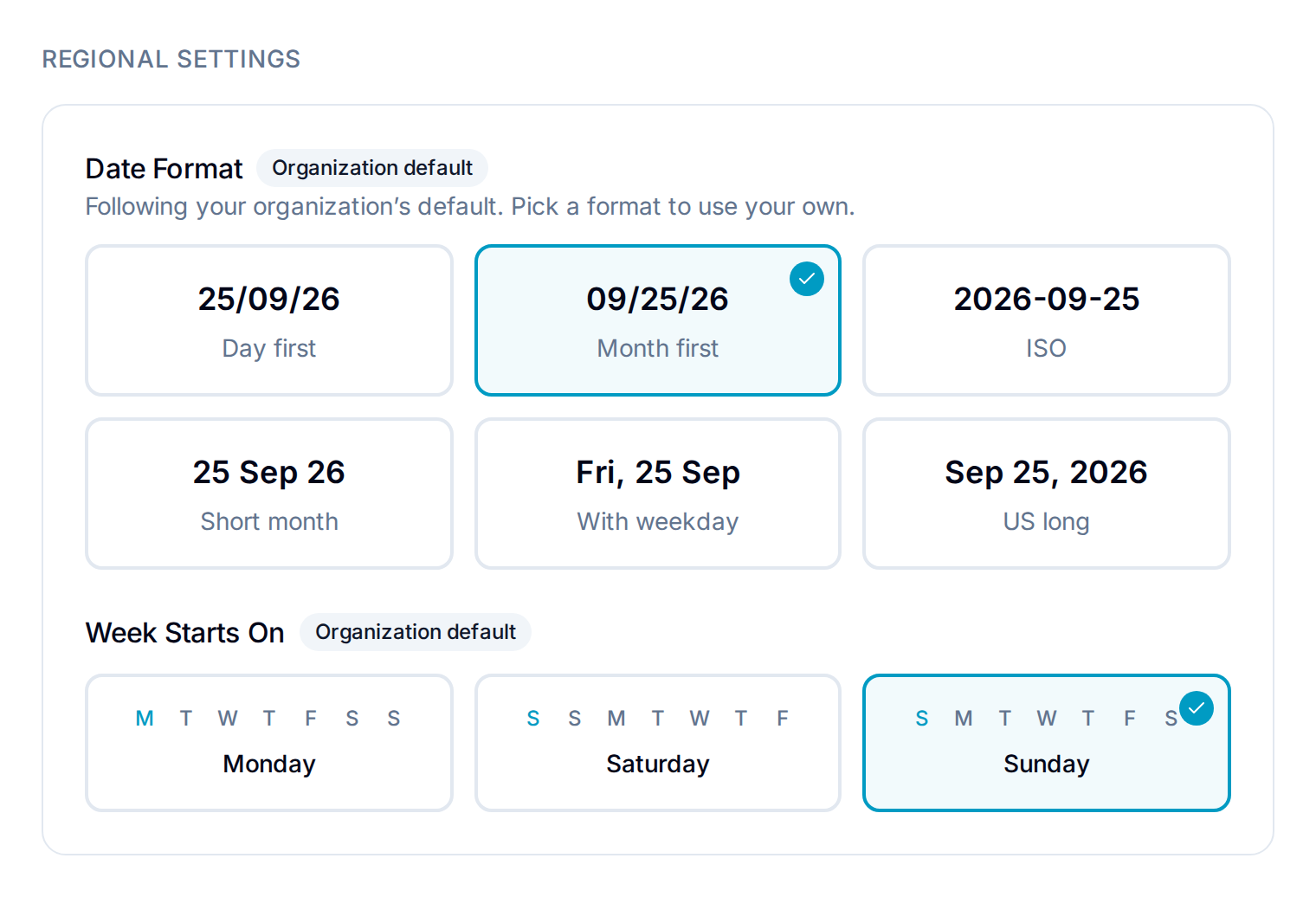
Each setting works on its own:
- Organization default badge: you follow the organization’s value.
- Custom badge: you picked your own value. It applies in every organization you belong to.
- Reset to organization default: clears your value for that setting so you follow the organization again.
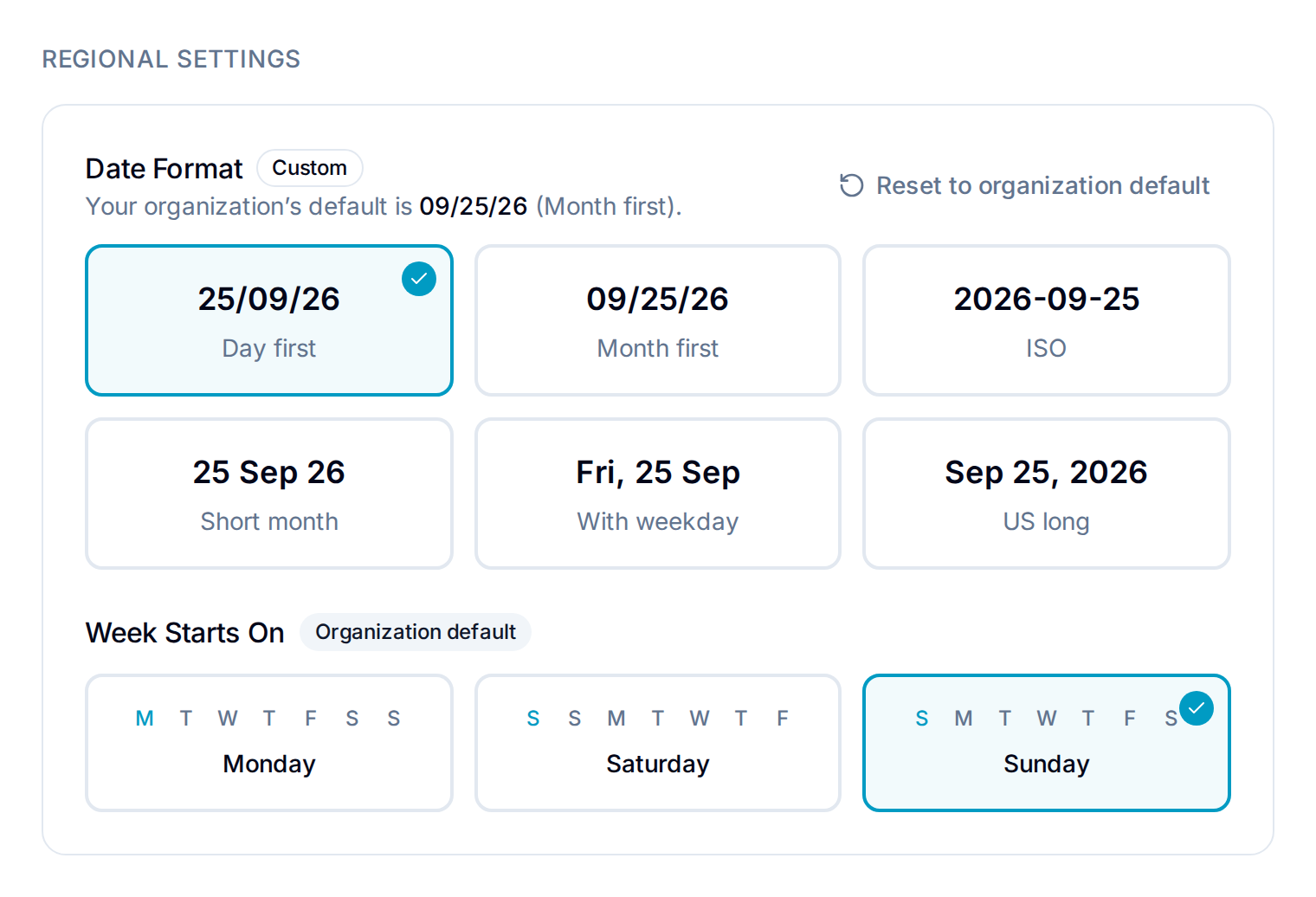
Timezone and language are always personal. They have no organization default.
Appearance
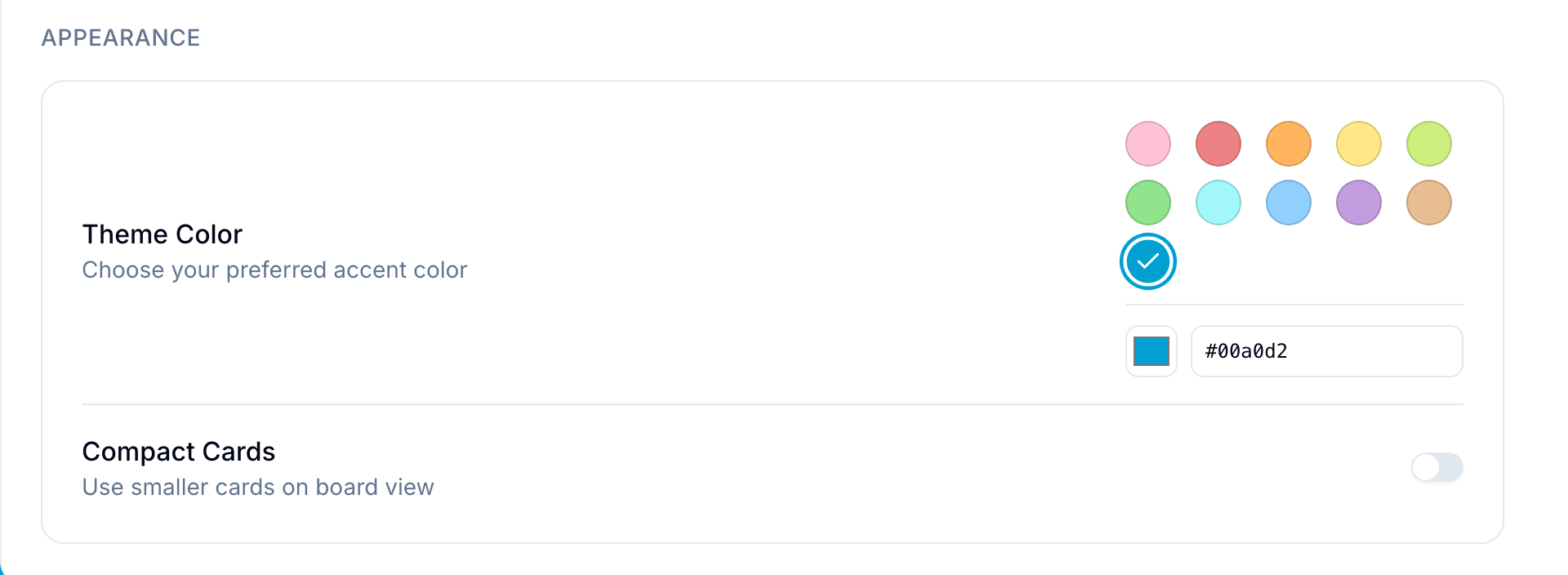
Color Theme
Select an accent color: Blue (default), Cyan, Indigo, Green, Amber, Red, Purple, Pink, Orange, or Black. Blue applies it to interface highlights and accents.
If an organization has a theme color, that color takes priority while you view the organization.
Compact Cards
Enable Compact Cards to use smaller cards in the board view. The smaller cards show more records in the available space.
A database can override this setting. In the database’s Card Interface settings, Card Size set to Use account default follows your choice.