Themes & Dark Mode
Switch between light, dark, and auto-follow-system themes from the sidebar avatar menu.
Blue provides light and dark themes. You can select one theme or use your operating system setting.
Select a theme
- Select your avatar at the bottom of the sidebar.
- Select Dark Mode repeatedly to cycle through Off, On, and Auto.
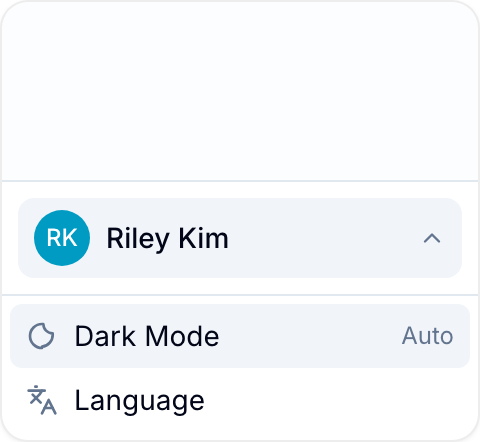
- Off always uses the light theme.
- On always uses the dark theme.
- Auto follows your operating system and changes when its theme changes.
Blue saves the choice in the current browser or app. You can use a different choice on each device.
Use the keyboard shortcut
From anywhere in Blue, press ⌘ + ⇧ + D on a Mac to toggle dark mode. On Windows or Linux, press Ctrl + ⇧ + D.
See the keyboard shortcuts reference for other shortcuts.
Mobile apps
The iOS and Android apps support the same theme choices. Select Auto to follow your phone’s system setting.