Chat
Create topic-based chats and exchange messages, files, mentions, and reactions within a workspace.
Chats provide topic-based discussions for workspace members. Create separate chats for different topics, updates, and questions.
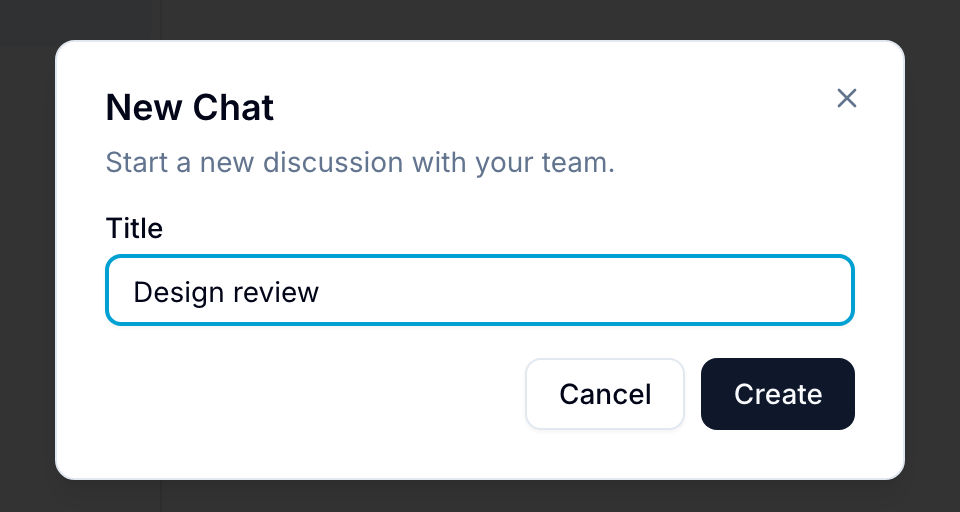
Create a Chat
- Open Chat in the workspace.
- Select + at the top of the chat sidebar.
- Enter a topic name.
- Select Create. Blue adds the chat to the sidebar.
Send Messages
In a chat, members can:
- Send formatted rich-text messages.
- Upload files by drag and drop or with the attachment button.
- Use
@mentionsto notify other members. - Use the emoji picker to add reactions and expressions.
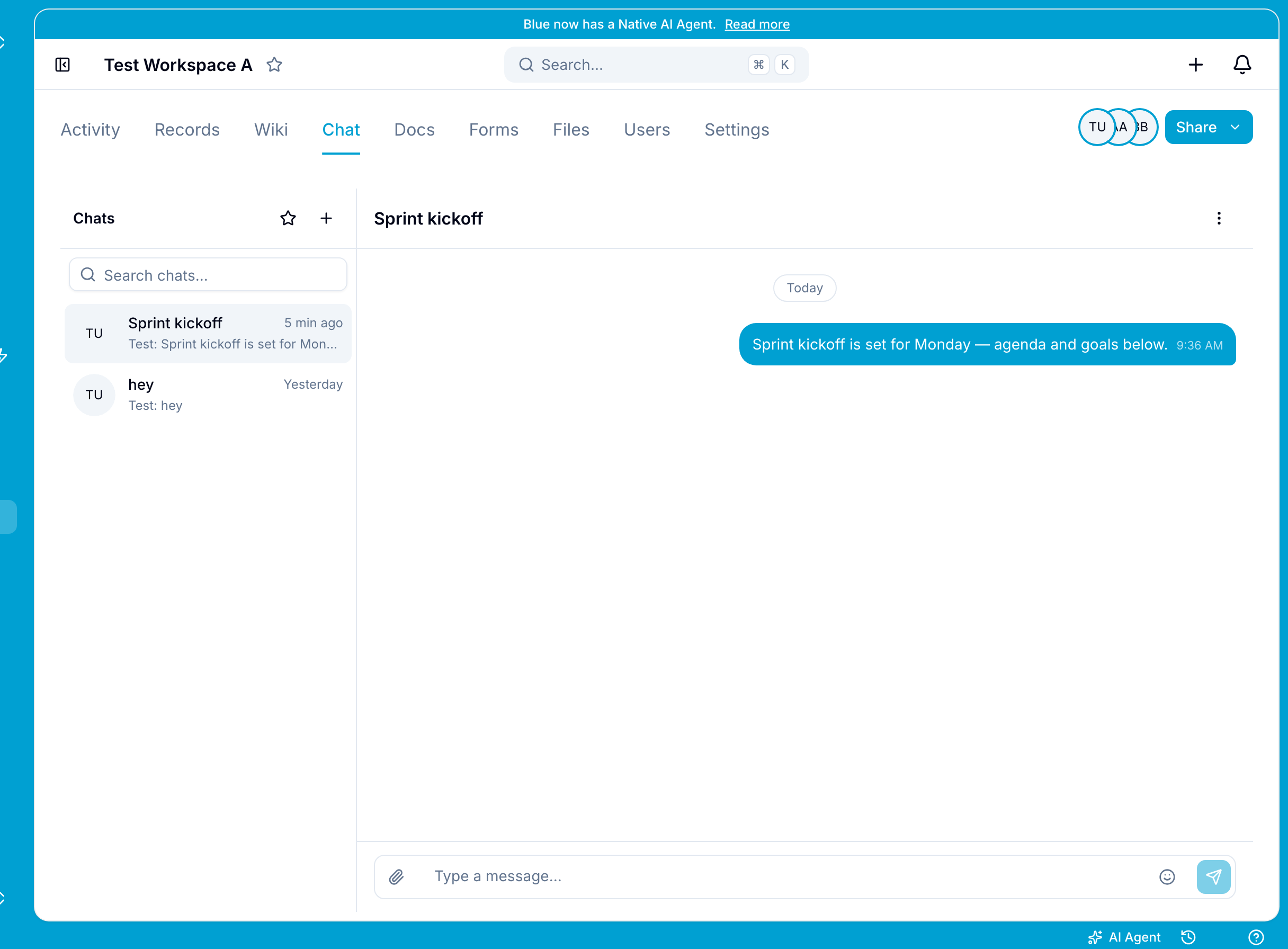
Each topic has a separate thread of messages, files, and reactions.
Chat Features
- Search and filter chats by topic name.
- Delete messages. Blue shows who deleted each message and when.
- Rename chat topics.