Records
Learn what records contain and rename them in each database to match the terms that your team uses.
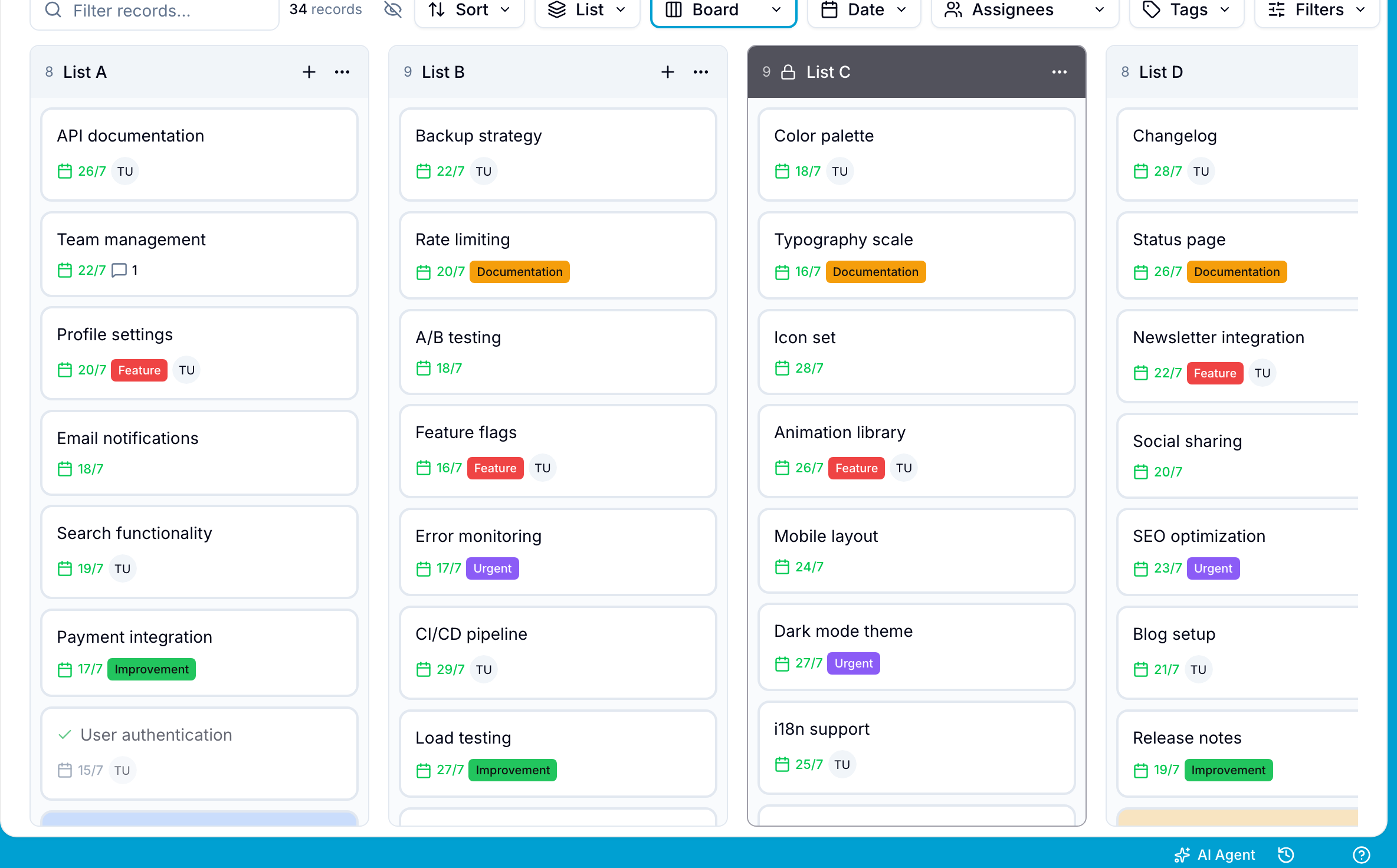
Records store the individual items that a workspace tracks. Each record belongs to a database. A record can represent a customer interaction, sale, project milestone, or inventory item.
Workspace Owners and Project Administrators can change record terminology. Each database has its own record name.
Rename Records
- Open the workspace Settings.
- Select Databases at the top of the settings menu.
- In the Database list, choose the database.
- Select Records.
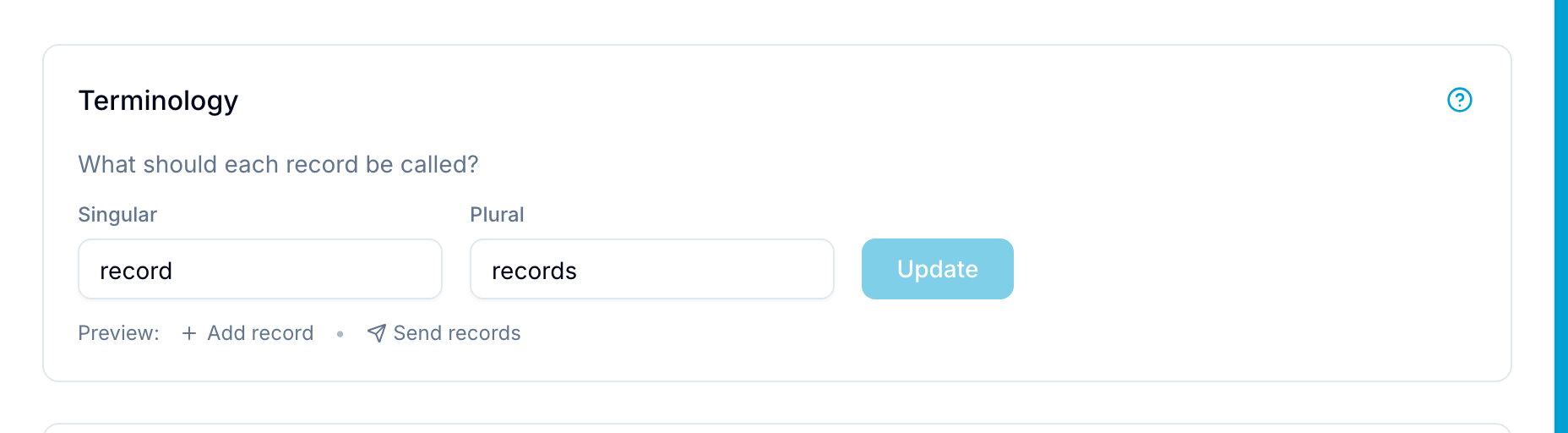
- In Terminology, enter a Singular name and a Plural name.
- Select Update. Blue applies the name to the records of this database.
For example, you can use:
- Task / Tasks
- Assignment / Assignments
- Step / Steps
- Issue / Issues
- Ticket / Tickets
- Lead / Leads
- Deal / Deals
- Case / Cases
- Opportunity / Opportunities
- Client / Clients
- Product / Products
- Order / Orders