Activity
Review what changed on a record, who made each change, and when the change occurred.
The activity log records changes made to a record. Use it to review the record’s history and identify who made each change.
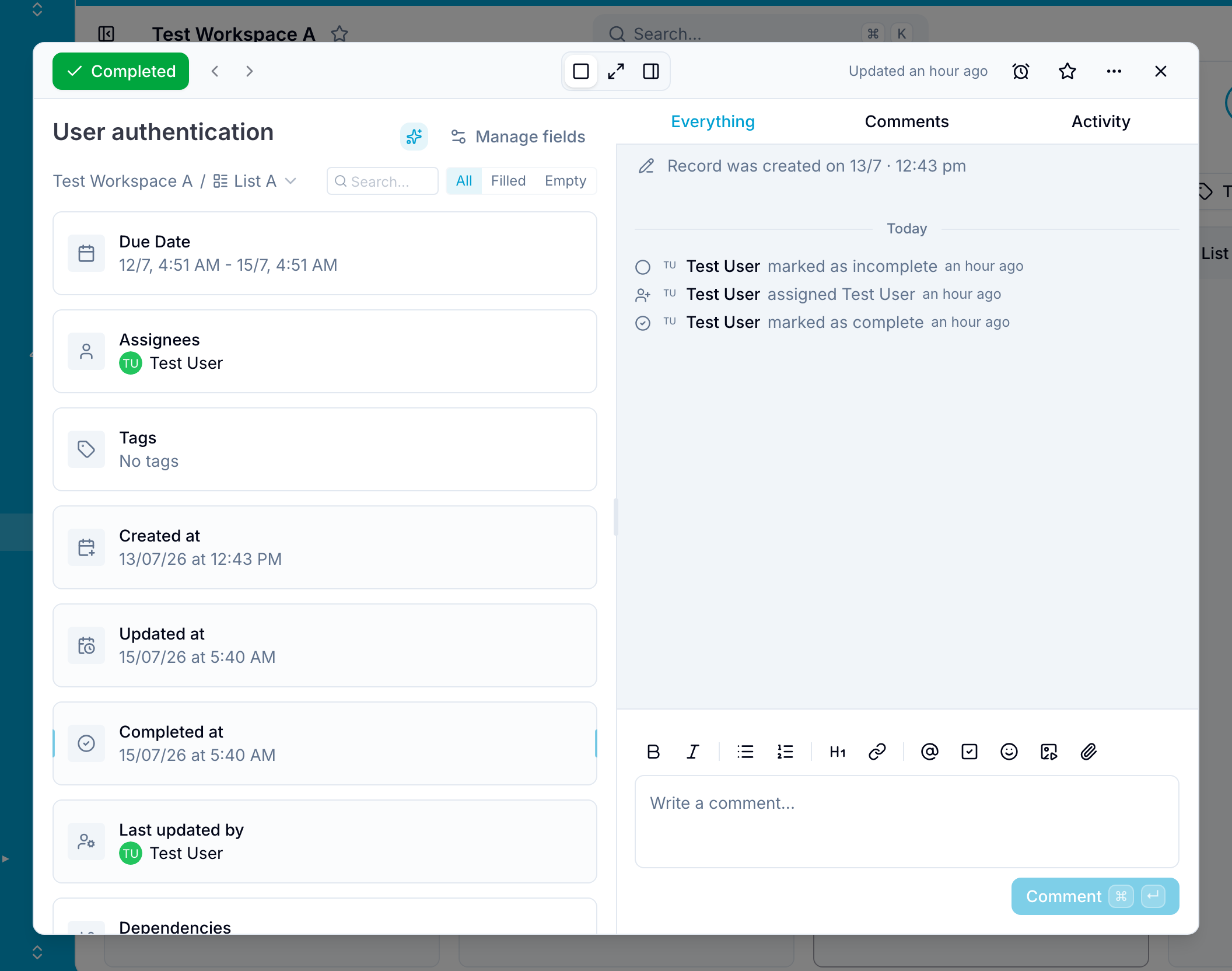
Each activity entry shows:
- What changed
- Who made the change
- When the change occurred
The log includes changes to field values, such as status changes and assignments.
Activity entries cannot be changed or removed. If someone reverses an action, Blue keeps the original entry and adds an entry for the reversal.
Use the tabs at the top of the activity section to choose what you see:
- Everything shows comments and activity.
- Comments shows only comments.
- Activity shows only activity entries.