Dependencies
Connect records to define the order in which they must be completed.
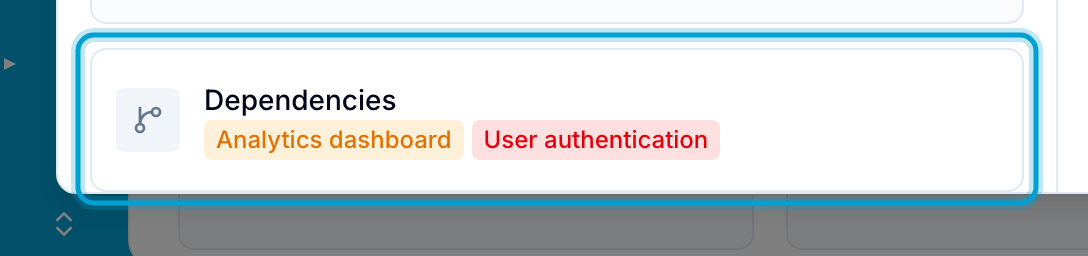
Dependencies connect records that should be completed in a specific order. Every record shows a Dependencies field.
Each dependency has two sides:
- Blocking: This record should be completed before the linked record.
- Blocked by: The linked record should be completed before this record.
Create a dependency
- Open the record that should be completed first.
- Select the Dependencies field.
- Next to Add as:, make sure that Blocking is shown. Select it to switch between Blocking and Blocked by.
- Search for and select the record that this record should block. Blue adds the dependency immediately.
The linked record shows the dependency as blocked by.
Change or remove a dependency
- Open either linked record.
- Select the Dependencies field.
- Point to the linked record.
- Select Switch type to change the direction, or select Remove to remove the dependency. Blue changes both records.
View dependencies
- Right-click a record card or row. If the record has dependencies, the menu shows them under Blocks and Waiting on.
- In the Table view, the Blocking and Blocked By columns show the linked records.
Activity history
Blue records dependency changes in each record’s Activity section. Use the entries to review changes to the completion order.