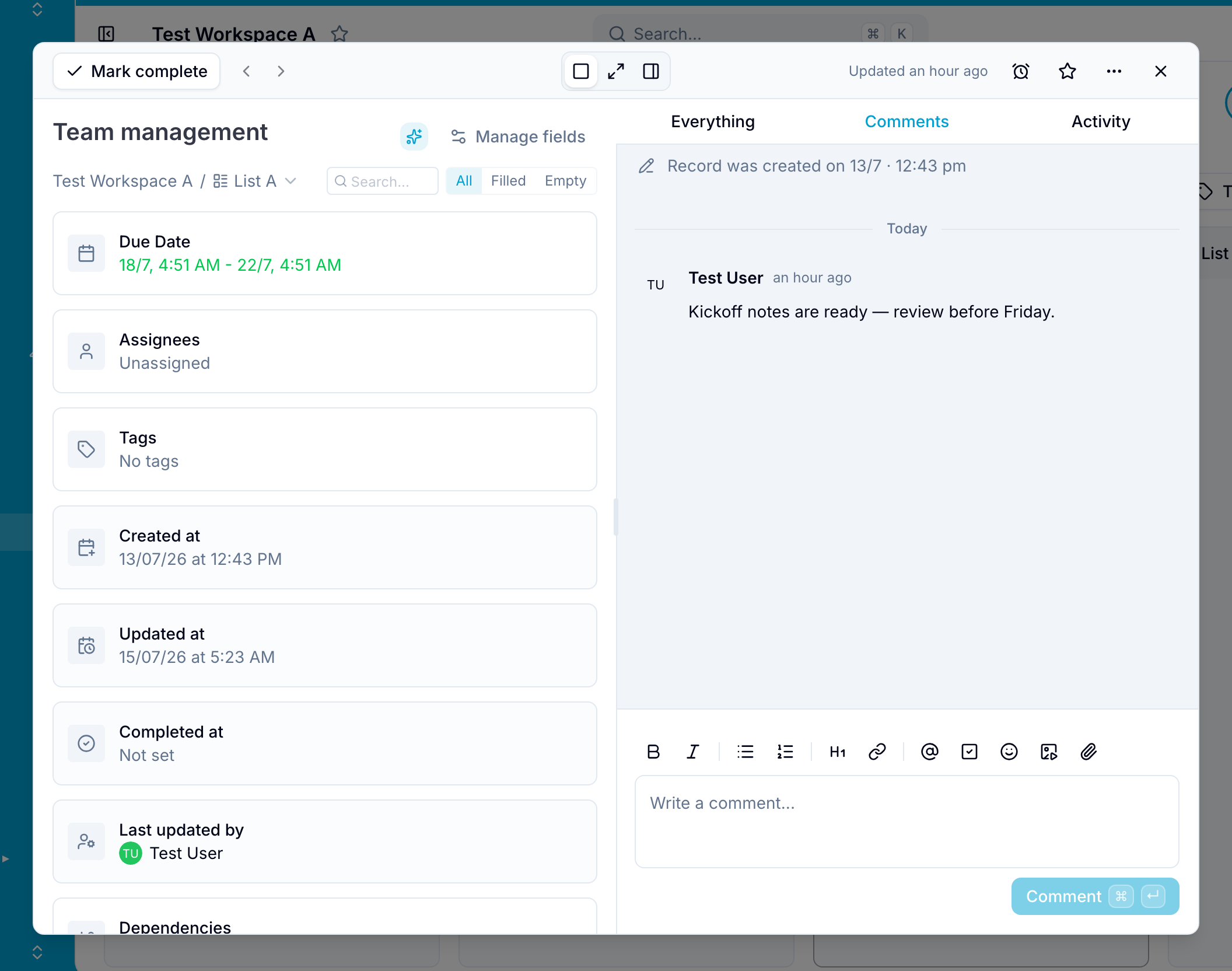
Comments
Discuss a record, share files and media, mention members, and organize replies in threads.
Comments keep discussions and shared material on the relevant record. Use them to give updates, ask questions, and reply to other members.
The rich-text comment editor supports these actions:
- Attach files: Add documents, spreadsheets, PDFs, and other files to a comment.
- Add pictures and videos: Insert pictures or paste links from supported video sites to embed a video player.
- Mention members: Enter
@and a member’s name to notify that person. - Add emoji and reactions: Add emoji to a comment or react to an existing comment.
- Reply in a thread: Reply directly to a comment to keep a related discussion together.
- Edit or delete: Edit or delete your own comments.
Blue marks an edited comment as edited. Workspace Owners and Administrators can delete any comment in their workspace.
Comment permissions
Your workspace role controls which comment actions you can use:
- View Only members cannot create, edit, or delete comments.
- Comment Only members can create comments and edit or delete their own comments.
- Clients and above have full comment access.
- Workspace Owners and Administrators can delete any comment in their workspaces.