Quick Add
Press R to create a record in any workspace and database without leaving the current view.
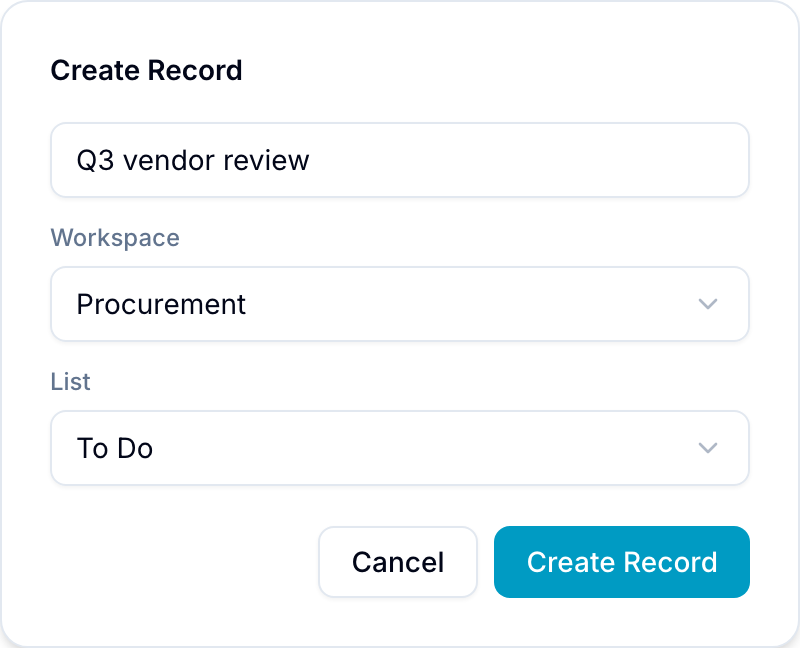
Quick Add creates a record without leaving your current view. Enter a record name, then select its workspace, list, and database.
Open Quick Add
- Keyboard: Press R when no record is open and the cursor is outside a text editor.
- Menu: Select Create record from the top-bar create menu.
Create a record
- Open Create Record.
- Enter the record name. If the destination database generates names automatically, you can leave the name empty.
- Select a workspace that you can access.
- Select the destination list.
- If the workspace has more than one database, select the destination in Database.
- If the database asks for required fields, enter their values.
- Select Create Record. Blue creates the record and closes the dialog.
You remain in your current view. Select View in the confirmation message to open the new record.
Creation rules
- You need create record permission in the destination workspace.
- Workspaces where you cannot create records are disabled in the picker.
- Record-creation automations run.