Tags
Label records with color-coded tags from the Tags field, and filter records by one or more tags.
Tags are color-coded labels that categorize records. Each tag is an option of a Select (multi) field named Tags. A record can have more than one tag. Use one consistent tag for each category, such as work type, urgency, or priority.
The Records database of a new blank workspace has a Tags field. A database that you create with New database has no Tags field. To use tags there, add a multiple-select field.
Create tags
- Choose the categories that you need, such as “Bug,” “Back-end,” “UI,” or a priority.
- Open the settings of the Tags field. See Multiple select.
- Add an option for each category.
- Assign a color to each option.
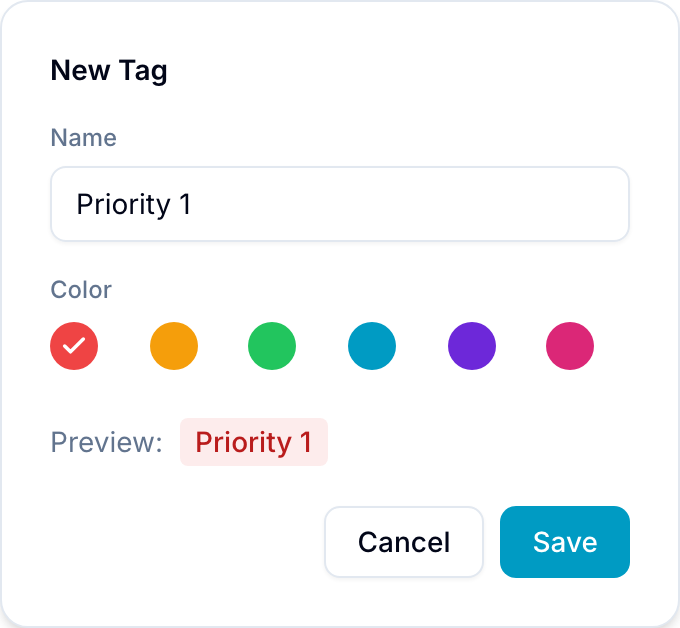
Add tags to a record
- Open the record.
- Find the Tags field and select Add.
- Select one or more tags.
In the Table view, you can also change the tags in the Tags cell.
Filter by tags
Select Filters, choose the Tags field, and choose one or more tags. See Filters.