Slash Commands
Type / in any rich text editor to insert headings, lists, checklists, mentions, and more without leaving the keyboard.
Slash commands insert formatted content from the keyboard. They are available in record descriptions, comments, doc pages, chat messages, and other rich-text editors.
Insert content with a slash command
- Place the cursor in a rich-text editor.
- Type / to open the command menu.
- Enter part of a command name to filter the menu.
- Use the arrow keys to select a command.
- Press Enter to insert the selected content.
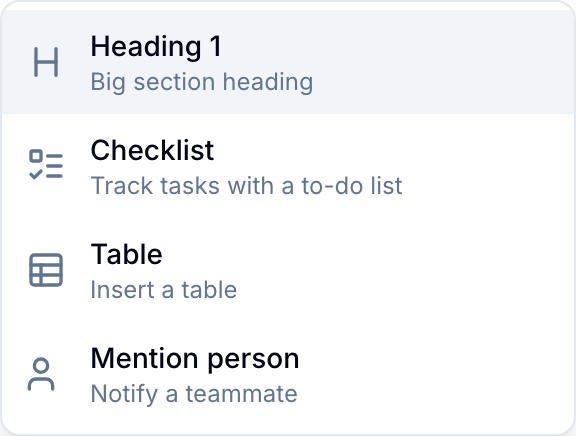
Available commands
Formatting
- Headings (H1, H2, H3)
- Bulleted and numbered lists
- Checklists in record descriptions and docs
- Quotes
- Syntax-highlighted code blocks for JavaScript, TypeScript, Python, SQL, JSON, YAML, and other languages
- Dividers
Media and tables
- Images and file attachments
- GIFs from an inline picker
- Tables
Mentions and links
- Mention teammates
- Mention records
- Mention workspaces to add a link to another workspace
- Link to URLs
Menu behavior
- Blue hides commands that are not available in the current editor. For example, single-line fields do not support tables.
- Text after
/filters the command list. - Esc closes the menu without inserting content.
- To enter
/as text, continue typing or press Esc first.