Assignees
Assign one or more workspace members to a record with an Assignee field, and track assigned work in My Items.
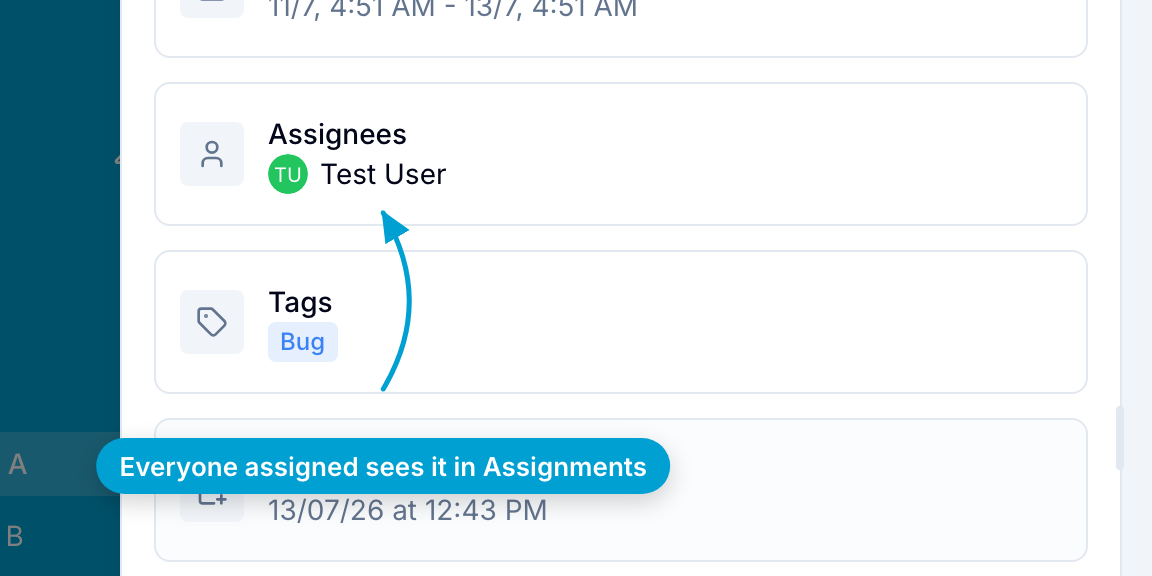
Assignees are workspace members responsible for a record. You set them in an Assignee field. You can assign more than one member when the record requires work from several people.
The Records database of a new blank workspace has an Assignee field. In another database, add an Assignee field to assign members.
Assign a member
- Open the record.
- Select the Assignee field.
- Select one or more members.
In the Table view, you can also change the members in the field’s cell.
Notifications and My Items
Blue sends assignment notifications according to each member’s notification settings. For new users, push notifications are enabled and email notifications are disabled by default.
Project Administrators can use Email Automations to send custom assignment emails.
An assigned record appears automatically in the member’s My Items view. This view contains records assigned to that member across all workspaces.
Project Administrators can use Custom User Roles to restrict members to records assigned to them.