Phone
Store one international phone number per field and call it, or open it in WhatsApp or Telegram.
A Phone field stores one phone number on each record. Use it for a contact’s primary number.

Enter A Phone Number
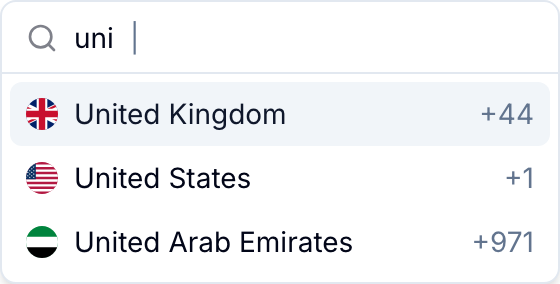
The country menu lists supported countries and their calling codes.
- Open the country menu.
- Search by country name or calling code.
- Select the country.
- Enter the phone number.
Blue checks that the number is valid for the selected country. Blue stores a valid number in E.164 international format, without spaces, dashes, or parentheses. For example, Blue stores a United States number as +12025550123.
Contact Actions
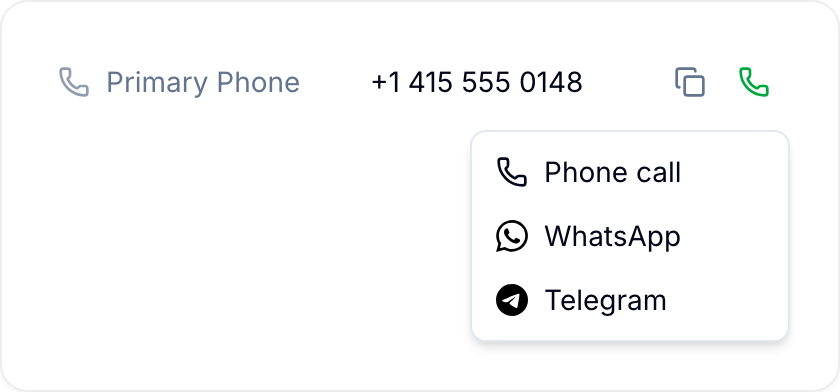
Point to a saved number to show these actions:
- Copy copies the number to your clipboard.
- The call menu has these options:
- Phone call opens the number in your default calling application.
- WhatsApp opens a WhatsApp conversation with the number.
- Telegram opens a Telegram conversation with the number.