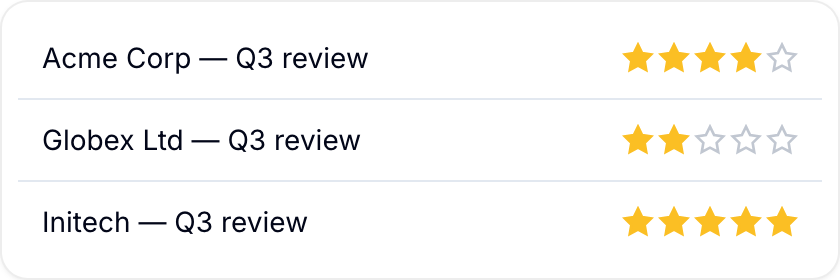
Rating
Score each record on a star scale from 1 to 15 stars, with half-star values.
A Rating field stores a star score on each record. It supports full-star and half-star values and shows the numeric score beside the stars.

Use this field for customer satisfaction, product quality, employee feedback, interview scores, or performance reviews.
Configure the scale
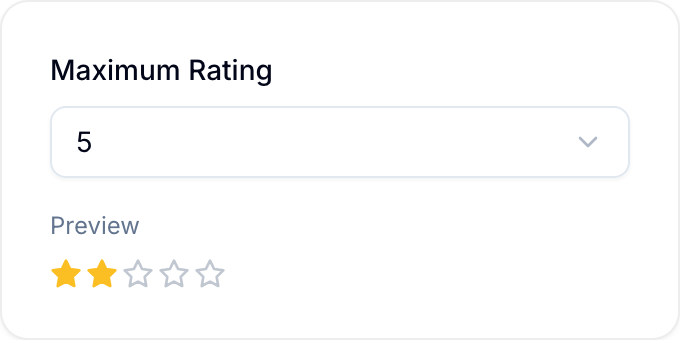
Organization Owners and Admins, and workspace Project Administrators, set Maximum Rating from 1 through 15. The default is 5. Blue uses this number as the top of the scale and shows a preview of the stars.
Enter a rating
- Select the left half of a star for a half-star value.
- Select the right half of a star for a full-star value.
- With the keyboard, move to a star and press Enter or Space for a full-star value.
Select the same value again to clear it, or select the X icon beside the score. Blue shows the result as a number, such as 3.5/5, beside the stars.