Date
Add dates, times, or date ranges to records for filtering, calendars, timelines, and calendar sync.
The Date field stores a date, a date and time, or a date range on a record. The Due date default field is a Date field that holds a start date and a due date. See Dates.
Add more Date fields to track separate events on the same record. For example, use separate Date fields for first contact, product demo, proposal sent, contract signed, and payment received.
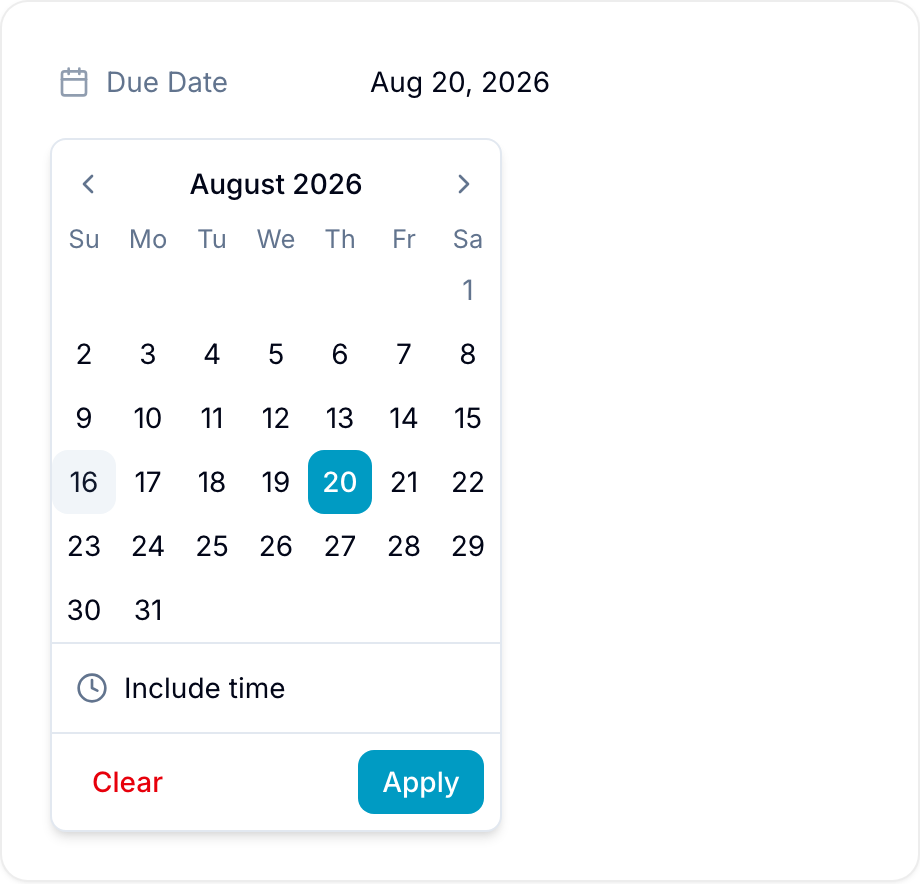
Enter dates and times
Use the date picker to select a date, a time, or a range. You can select past, present, or future dates.
Show a date on the calendar
Turn on Show in calendar view when you create the field. Blue then shows the date in the Calendar view with the due dates.
Use date data
- Filter records by date, including overdue records and records due in a period.
- Sort and group records by a Date field.
- Use a Date field as the start or end date in the Timeline view.
- Sync dates to a personal or work calendar.