Checkbox
Add a checkbox to records for yes/no values, approvals, completion, and automations.
The Checkbox field stores a selected or cleared value on a record. Use it for approvals or to trigger an automation.
The Completed default field is a Checkbox field. It marks a record as done.

Track approvals
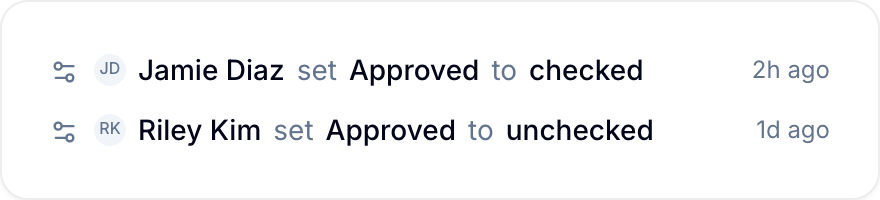
When a user selects or clears a Checkbox field, Blue adds the change to the record activity. The entry identifies the person, the action, and the time.
Use checkbox data
- Filter records by Checked or Unchecked.
- Sort records by the field.
- Group records by the field in the Board, Table, and Timeline views.