Location
Store a place on each record, find it by address search, and show records on the Map view.
A Location field stores a place on a record: its latitude, longitude, and address. The record shows the place on a small map.
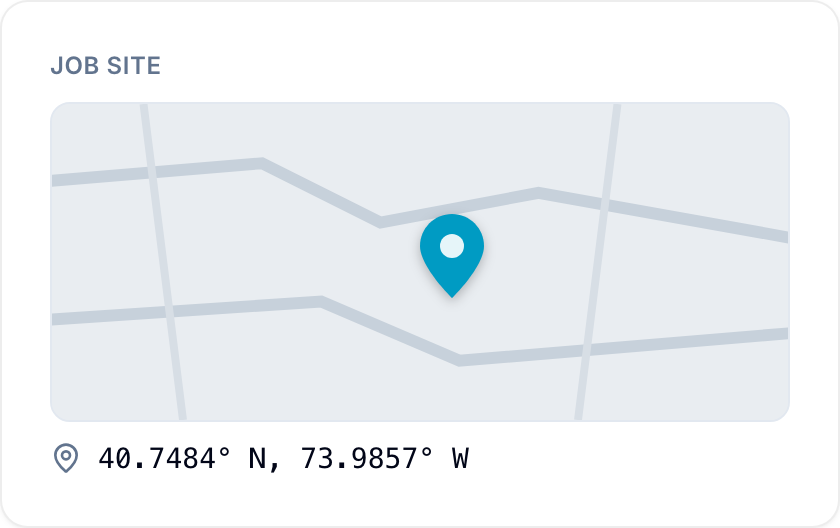
Add a location
Set a location in one of these ways:
- Enter an address or place name in the search box, then select a result. Blue fills in the coordinates.
- Drag the pin on the map. Blue looks up the address of the new point.
- Select the locate control on the map to use your current location.
Select Open in Google Maps to open the location in Google Maps.
Show records on the Map view
Use the Map view to show the records of a database that have a location. If the database has more than one Location field, choose the field in the menu at the top left of the map. To change a record’s location, drag its pin. You cannot drag a pin that holds more than one record.
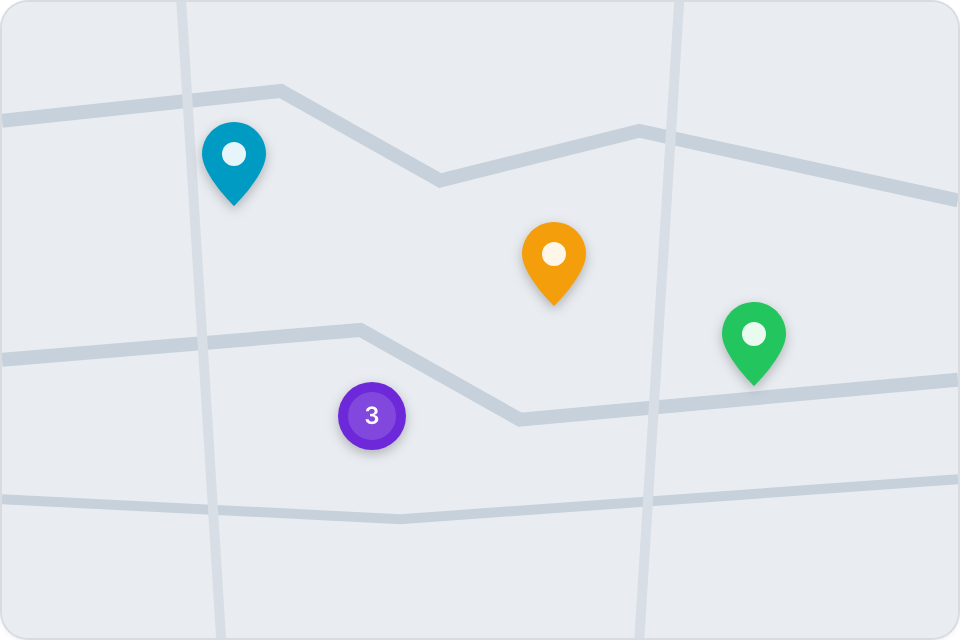
Use location data
Use Location fields to:
- Map customer or client locations for sales and service regions.
- Pinpoint event venues, job sites, or asset locations for field operations.
- Track shipment origins and destinations in supply chain workflows.
- Map real estate listings for properties available for sale or rent.
- Identify hospital, clinic, or care home addresses in healthcare systems.
- Locate equipment deployment sites for installation and maintenance workflows.
- Show branch or facility locations for internal operations and analysis.
- Display resource deposits, land plots, or other geographic assets.
- Associate records with geographical regions, sales territories, or service areas.